

Anti-glare screen protectors for laptops genuinely work. They scatter incoming light across a textured matte surface, cutting the mirror-like reflections that make screens nearly unreadable near windows or under office strip lighting. If you work in a bright environment and your eyes feel tired by mid-afternoon, a fitted matte or anti-reflective film is one of the cheapest fixes available. Measure your screen’s active display area in millimetres, confirm whether your laptop has a touchscreen, then check SmartProtectors’ fitted options for a protector matched to your model.
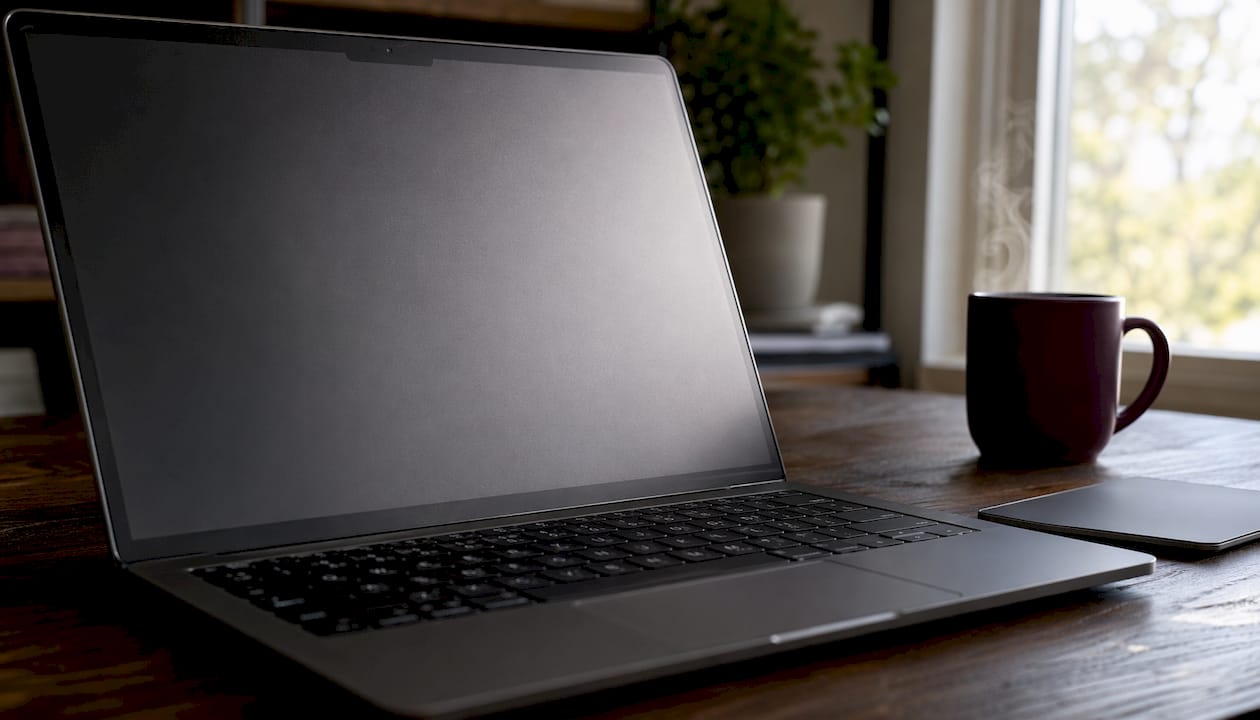
Table of Contents
- How do anti-glare protectors actually reduce glare?
- Benefits beyond glare reduction and the trade-offs to expect
- What types of anti-glare protector are available?
- How to choose the right anti-glare protector for your laptop
- How to measure your screen and install a protector cleanly
- Do anti-glare protectors work? Evidence and UK buying tips
- Key takeaways
- Why the right protector matters more than most buyers realise
- SmartProtectors: fitted anti-glare films with UK delivery
- Useful sources and further reading
How do anti-glare protectors actually reduce glare?
The principle is straightforward. A glossy screen acts like a mirror: light from windows, lamps, or overhead fluorescents bounces straight back at you. A matte anti-glare film replaces that flat surface with millions of tiny micro-etched peaks and valleys. Instead of reflecting light in one direction, those textures scatter it in many, so the bright hotspot disappears.
Most films are built from three layers:
- Protective outer layer — a PET (polyethylene terephthalate) or tempered-glass sheet, typically around 125 µm thick, that takes scratches instead of your display
- Anti-fingerprint coating — an oleophobic treatment that stops smudges from building up and makes cleaning easier
- Adhesive or electrostatic backing — either a silicone adhesive or a static-cling layer that holds the film without leaving residue when removed
Matte surface treatments scatter incoming light to reduce mirror-like reflections and improve readability in bright environments — the effect is strongest against ambient light and direct sunlight, not the light the screen itself emits.
One thing worth being clear about: the protector does not dim your screen or filter its own output. It only changes how external light behaves when it hits the display surface. Raise your brightness slightly if the room is dark and the matte texture makes the image look softer than you’d like.
Benefits beyond glare reduction and the trade-offs to expect
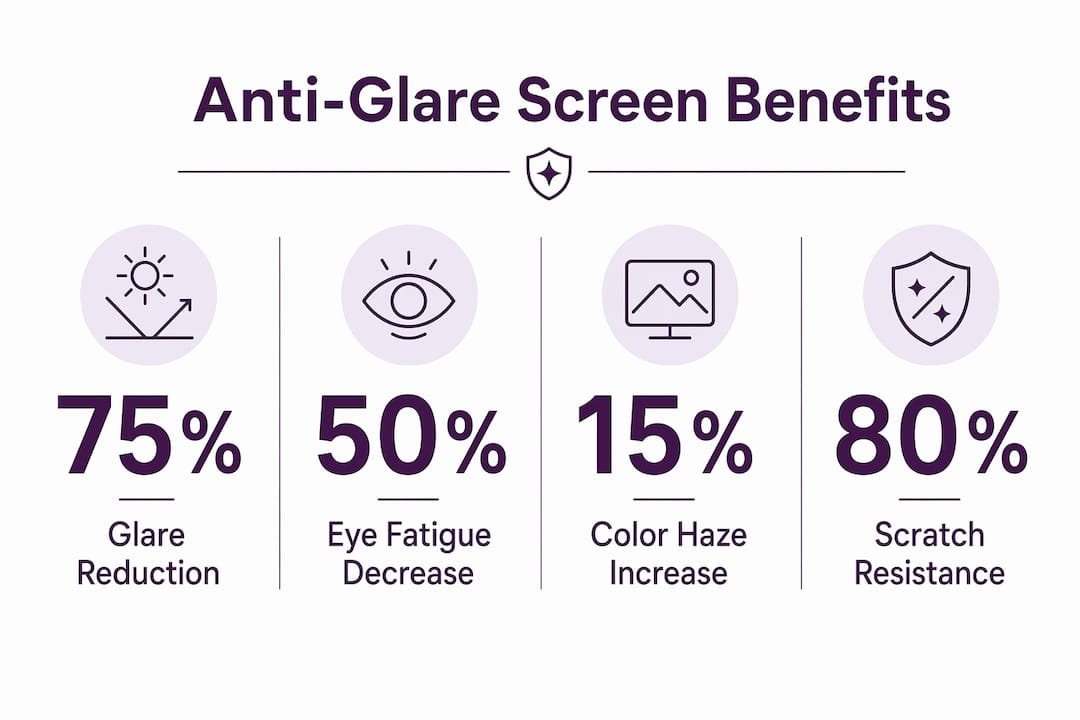
The headline benefit is obvious, but a good matte film does several other things at once. Scratch resistance is the most underrated: laptop screens are surprisingly easy to mark, especially when a bag is packed in a hurry. A film absorbs those micro-scratches so the panel underneath stays pristine. Anti-fingerprint coatings mean the screen stays cleaner between wipes, which matters if you use a touchscreen or share the device.
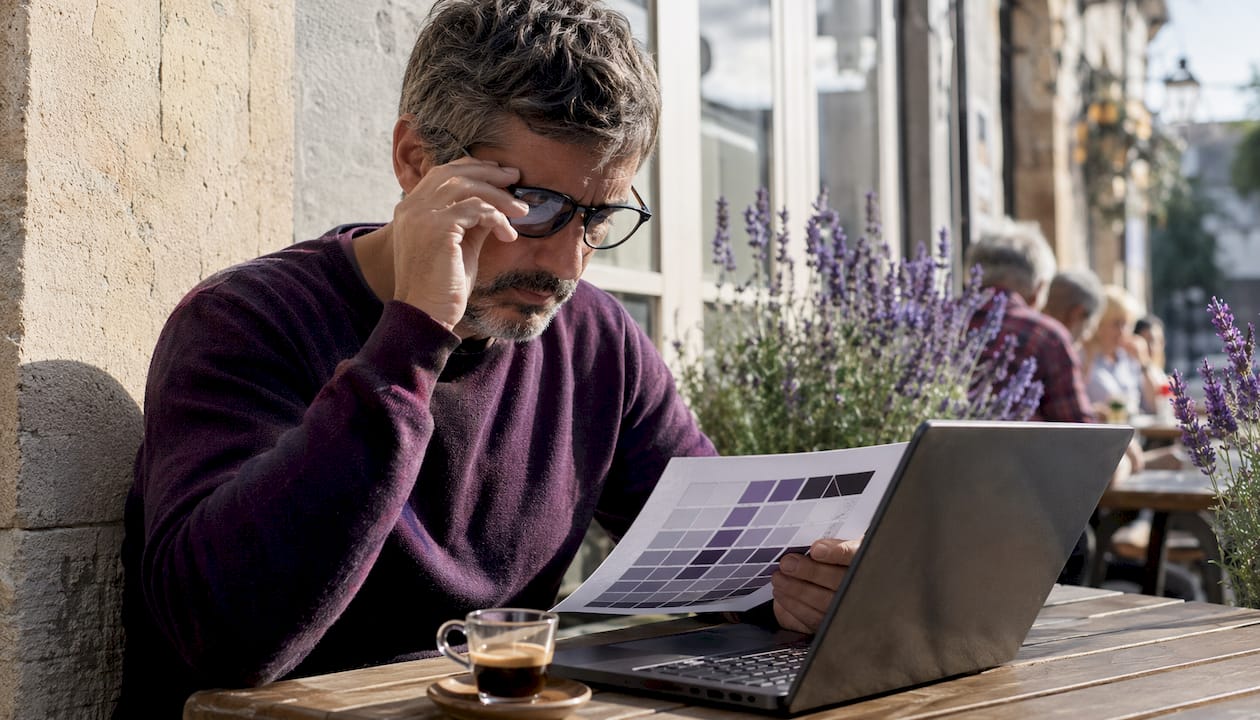
Eye fatigue is the reason most people buy one. Constantly refocusing around reflections is tiring in a way that’s hard to notice until it stops. Remote workers, students in libraries, and anyone who travels with a laptop near train windows tend to notice the biggest improvement.
The trade-offs are real, though. Manufacturer guidance confirms that anti-glare treatments can slightly reduce colour vibrancy and contrast compared with a glossy display. On some cheaper matte films, you may also see a faint “sparkle” effect — a graininess caused by the micro-texture interacting with the pixel grid. It rarely bothers most users, but it can be distracting for anyone doing detailed photo editing or colour grading.
Pro Tip: If you do colour-critical work, look for a film with a lower haze rating (under 15%) — it diffuses less light and preserves more perceived sharpness. Raising your display’s contrast setting by a small amount also helps restore the crispness a matte surface softens.
Colour-critical creatives who work in controlled lighting may genuinely prefer to keep a glossy display and manage glare with positioning or a hood. For everyone else, the comfort gains outweigh the minor visual compromise.
What types of anti-glare protector are available?
The market splits into two main categories, and the difference matters when you’re comparing product listings.
Matte films (micro-etched) are the most common. The texture is built into the film itself, so they work regardless of the angle of light. They’re affordable, widely available in cut-to-size formats, and most modern versions are multitouch-optimised with anti-fingerprint coatings, so they don’t interfere with touch response.
Anti-reflective (AR) coatings use optical interference rather than texture to cancel reflections. The result is a cleaner, sharper image with less sparkle, but AR-coated films tend to cost more and are less forgiving if fitted with dust trapped underneath.
Beyond the finish, several additional features are worth checking:
- Blue-light filtering — some films combine matte or AR finishes with a blue-light-reducing layer; one example reversible privacy screen advertises around 30% blue-light reduction
- Privacy panels — a narrow viewing angle blocks side-on snooping; useful on trains or in open-plan offices; some are magnetic or clip-on for easy removal
- Hardness rating — expressed on the Mohs-derived pencil scale (e.g. 3H, 9H); higher ratings resist sharper objects but add cost
- Removability — electrostatic or silicone-adhesive films lift off cleanly; permanent adhesive films are harder to reposition
For a broader look at how these materials compare across device types, the SmartProtectors guide to screen protector types is worth a read before you commit.
How to choose the right anti-glare protector for your laptop
The single biggest mistake buyers make is ordering by diagonal screen size alone. A 15.6" screen on one laptop model can have a noticeably different active display area from a 15.6" screen on another, because bezels vary. Always measure the active panel, not the diagonal of the whole lid.
| Decision factor | What to check |
|---|---|
| Screen size | Measure active display width × height in mm; match to product dimensions |
| Touchscreen | Confirm the film is multitouch-compatible; electrostatic films are safest |
| Permanence | Removable electrostatic film for flexibility; adhesive for a fixed fit |
| Haze / transmission | Lower haze (e.g. 11.9%) = sharper image; higher haze = stronger glare reduction |
| Extra features | Blue-light filter, privacy angle, hardness rating (3H–9H) |
| Budget | Basic matte PET films are the most affordable; AR-coated or privacy panels cost more |
If you’re buying for an HP EliteBook or similar business laptop, checking the screen dimensions and touchscreen configuration for your specific model before ordering saves a return trip. Model-specific or custom-cut protectors are almost always worth the small extra cost over a generic size.
How to measure your screen and install a protector cleanly
Measuring your screen
Don’t rely on the advertised diagonal alone. Use a ruler or tape measure and record:
- Active display width — measure horizontally across the lit area only, not the bezel
- Active display height — measure vertically across the lit area
- Diagonal — measure corner to corner of the active area to confirm the stated size
A 15.6" laptop screen’s active area can vary widely despite the nominal size, so verify your screen’s exact dimensions before ordering. Write the dimensions down before you order.
Step-by-step installation using the hinge method
- Clean the screen — use the microfibre cloth and dust-removal stickers included in most kits; work in a low-dust room and avoid touching the adhesive side
- Dry-align the protector — hold the film over the screen without removing the backing; check it covers the active area and sits square to the bezel
- Create a hinge — tape one short edge of the protector to the top bezel with a strip of masking tape, forming a hinge that keeps alignment while you work
- Peel and apply — lift the free edge, peel the backing a few centimetres, then lower the film onto the screen; use a card or squeegee to smooth from the hinge outward, pushing air bubbles toward the free edge
- Remove the hinge tape — once the film is fully adhered, peel the hinge tape away gently and smooth the final edge
- Deal with small bubbles — most disappear within 24–48 hours; persistent ones can be lifted at the nearest edge and re-smoothed
Pro Tip: Use the dust-removal stickers included in most kits to lift any trapped particles before they’re sealed under the film. A single dust speck under a matte film is far more visible than under a glossy one.
Do anti-glare protectors work? Evidence and UK buying tips
The optical principle is well established. Matte films diffuse reflections by scattering light rather than reflecting it as a single beam, which is why the effect is most dramatic in bright offices and near windows. Real-world product specifications give a sense of what to expect from a quality film.
| Specification | Example value | What it means |
|---|---|---|
| Haze | 11.9% | Low haze films offer a sharper image with moderate glare reduction |
| Light transmission | 90.5% | High transmission films cause minimal brightness loss |
| Film thickness | ≈125 µm | Thin enough not to affect lid closure on most models |
| Blue-light reduction | ~30% (example privacy screen) | Useful for evening use; verify per product |
HP’s technical guidance is worth paraphrasing here: anti-glare treatments perform best in bright settings but trade a small amount of colour vibrancy, so the right choice depends on your typical working environment.
The best anti-glare film for your laptop is the one matched to your actual working conditions — a high-transmission, low-haze film for mixed environments; a higher-haze film for consistently bright or outdoor use.
UK buying checklist:
- Confirm the seller ships to the UK and states delivery times clearly
- Check the returns policy — a film that doesn’t fit should be exchangeable
- Look for measurement support or a model-compatibility list from the seller
- Prefer sellers who offer custom-cut or model-specific options over generic sizes
Key takeaways
A fitted matte anti-glare film matched to your screen’s exact dimensions is the most effective and affordable way to reduce laptop glare and eye fatigue in bright environments.
| Point | Details |
|---|---|
| Measure precisely | Record active display width × height in mm — diagonal alone is not enough for a good fit. |
| Check touchscreen compatibility | Choose a multitouch-optimised electrostatic film to preserve touch response without residue. |
| Expect a small visual trade-off | Matte films slightly soften fine detail and reduce colour vibrancy; raise contrast to compensate. |
| Use the hinge method | Tape one edge as a hinge before peeling the backing to keep alignment and reduce bubbles. |
| SmartProtectors for UK orders | SmartProtectors offers fitted films, custom-cut options, and a request service for unusual laptop models with UK shipping. |
Why the right protector matters more than most buyers realise
There’s a tendency to treat a screen protector as an afterthought — something you grab cheaply and slap on. That approach usually ends in a film that’s slightly too wide, trapping a bubble along one edge, or a generic matte finish that turns a sharp IPS panel into something that looks like frosted glass.
The detail that most buyers miss is the haze specification. A film at 11.9% haze offers a balanced trade-off — it cuts the worst glare without making text look fuzzy. Most product listings don’t advertise this figure prominently, which means the buyers who know to look for it end up with noticeably better results.
The other underrated factor is fit. A protector cut to your model’s exact panel dimensions, rather than a generic 15.6" rectangle, sits flush with the bezel and looks like it belongs there. It’s also less likely to peel at the corners. For anyone with an unusual or less common laptop model, a custom-cut option from a seller with a request service is worth the extra step.
SmartProtectors: fitted anti-glare films with UK delivery
Spending an afternoon squinting past reflections is a solved problem, and the solution costs less than a decent lunch. SmartProtectors stocks fitted matte anti-glare films and anti-reflective protectors for a wide range of laptop models, with UK shipping and a model-specific request service for anyone whose device isn’t already in the catalogue. No guessing at generic sizes, no ordering from overseas and waiting three weeks.
If you have an unusual or older laptop model that most sellers don’t stock for, submit a request and SmartProtectors will source and add the right protector. The shop also carries laptop protective cases for anyone who wants full device protection alongside a screen film. Start by browsing the SmartProtectors shop and filtering by your laptop’s screen size — the product pages include dimensions and compatibility notes so you can confirm the fit before you order.
Useful sources and further reading
The claims in this article draw on manufacturer guidance, product specifications, and installation resources. The sources below are worth consulting directly for product pages, fit guides, and returns information.
- 3M Anti-Glare Screen Protectors (UK) — manufacturer guidance on anti-glare and privacy screen technology
- HP Tech Takes: anti-glare screen protectors pros and cons — technical overview of visual trade-offs from a major display manufacturer
- Dell: anti-glare screens for laptops — product specifications and feature descriptions including blue-light reduction claims
- Velken: anti-reflective film specifications — real-world haze and light-transmission figures for a PET anti-reflective film
- Amazon UK: laptop anti-glare screens — broad marketplace for comparing sizes, formats, and user reviews
- Lenovo UK: antiglare accessories — manufacturer accessory pages with model-specific compatibility information
- SmartProtectors — fitted films, custom-cut options, and a request service for UK delivery; check product pages for dimensions and compatibility notes before ordering
This article is general information, not professional advice. Confirm compatibility with your specific laptop model and check the seller’s current returns policy before purchasing.