

For everyday commuters and students, a sleeve is usually the better buy. For frequent flyers and anyone facing checked luggage, cramped overhead lockers, or building sites, a rigid case is the safer bet. The decision comes down to three things: how you carry the laptop day to day, how often you fly or check it as luggage, and how rough the environment actually gets.
- Carry method — bag compartment (sleeve works fine) vs loose in a rucksack or hold luggage (case earns its bulk)
- Travel frequency — occasional local trips vs regular flights or courier shipping
- Environment risk — office and café use vs fieldwork, building sites, or crowded transport
If none of that settles it, the step-by-step checklist further down will.
Key Takeaways
A sleeve suits everyday scratch and knock protection, while a rigid case is the safer choice once a laptop faces checked travel, compression, or rough handling.
| Point | Details |
|---|---|
| Match protection to routine | Choose a sleeve for daily commuting and a case for checked flights or fieldwork. |
| Measure before buying | Compare your chassis dimensions to internal sleeve measurements, not the inch label. |
| Materials signal performance | EVA foam and polycarbonate shells outperform neoprene and canvas on impact and compression. |
| Hybrid approach works well | Use a sleeve day to day and add a case only for higher-risk travel. |
| SmartProtectors covers both needs | The Ultra Thin Leather Sleeve suits commuters, while the Literary Airbag Sleeve adds padding for tougher trips. |
Table of Contents
- Laptop case vs sleeve: what each one actually is
- How do sleeves and cases compare for drops, scratches and compression?
- What do materials and construction actually tell you?
- How do you get the sizing right?
- Which option fits your routine?
- How do you choose between a sleeve and a case?
- What does the evidence actually say you should prioritise?
- Where to find a sleeve that matches this checklist
- Frequently asked questions
- Sources
Laptop case vs sleeve: what each one actually is
A sleeve is a slim, padded pouch, usually made from neoprene, felt, or leather, that slides the laptop into a snug fit with no zips, latches, or rigid shell. It is designed to protect against scratches and minor bumps rather than serious impact, and it is almost always used inside a bag or backpack rather than carried alone.
A case is a rigid or semi-rigid shell, built from polycarbonate, hard EVA, or ABS plastic, that wraps the laptop in a structure strong enough to resist crushing and drops. Cases tend to have corner guards, sometimes a handle, and are the obvious choice when the laptop travels unaccompanied in a rucksack, on a bike rack, or in the hold of a plane.
The line between the two has blurred. Premium sleeves now use thicker impact-dampening foam that behaves almost like a semi-rigid liner, while some “cases” are really padded pouches with a stiffened base. Worth checking:
- Whether the product has any internal frame at all, or just thicker padding
- Whether it is marketed for “everyday carry” or “travel protection”
- Whether the shell flexes under hand pressure in product photos or reviews
How do sleeves and cases compare for drops, scratches and compression?
Scratches and light knocks are where sleeves earn their keep. The soft interior lining stops keys, coffee cups, and the odd elbow from marking the lid, and that covers the majority of daily wear a laptop actually experiences on a desk or in a bag pocket.

Drops and compression are a different story. Cases provide superior protection for drops and compression because a rigid shell spreads impact force across a structure rather than letting it hit the laptop directly. Modern EVA-foam sleeves close some of that gap. Practitioners have found that sleeves using impact-dampening composites can approach the low-impact performance of semi-rigid cases for short drops, though they still fall short once you’re talking about compression or a proper heavy impact, such as a suitcase landing on top in an overhead locker.
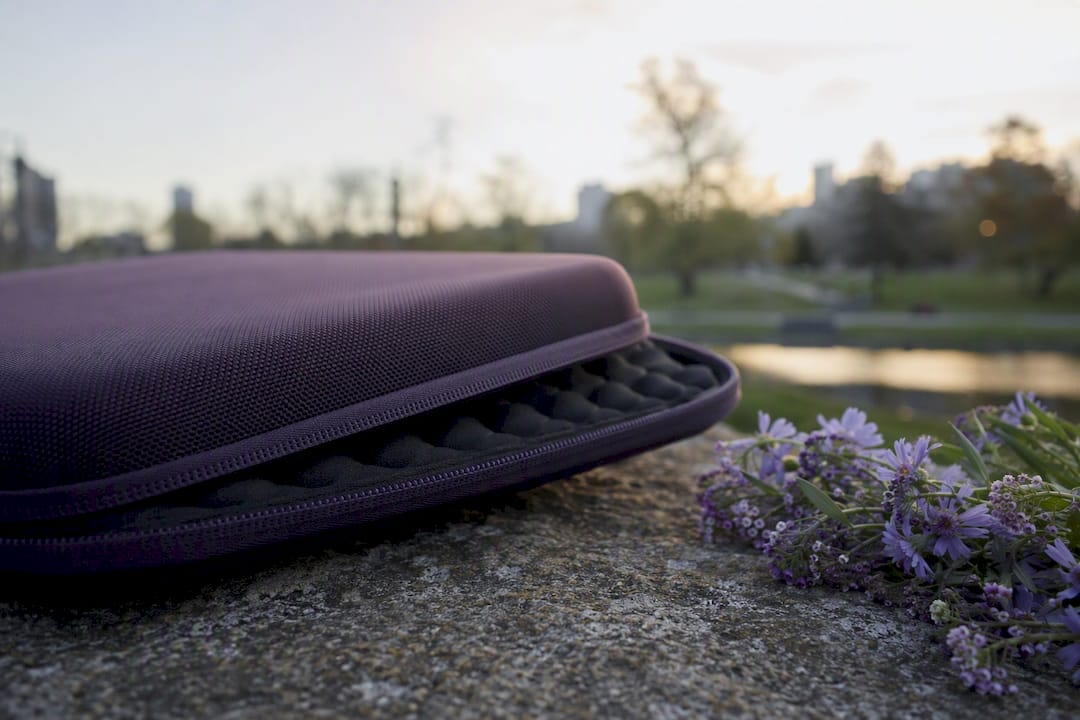
“Higher-risk” in practical terms means: checked airline luggage, courier or postal shipping, building sites and fieldwork, or any situation where the laptop is out of your hands and other objects are stacked on top of it.
| Factor | Sleeve | Case |
|---|---|---|
| Scratch protection | Strong | Strong |
| Drop/impact protection | Moderate | Strong |
| Compression resistance | Weak to moderate | Strong |
| Water resistance | Light splash at best | Often better sealed |
| Typical weight/bulk | Minimal | Noticeably more |
Quick figure: typical sleeve and case comparisons show sleeves add minimal bulk and weight, while rigid cases add bulk but guard specifically against compression and heavy impacts, the trade-off which decides most purchases.
What do materials and construction actually tell you?
Product pages throw around material names as if they’re all interchangeable. They’re not.
- Neoprene — stretchy, cheap, decent scratch protection, minimal impact absorption
- EVA foam — firmer, better shock absorption, used in premium sleeves and case liners alike
- Leather — durable and smart-looking, moderate padding, needs occasional conditioning
- Canvas — lightweight and breathable, weakest impact protection of the group
- Polycarbonate/ABS (cases) — rigid shells that resist crushing and deep impact
Look for stated foam thickness in millimetres rather than marketing words like “shock-absorbing” on their own; a 5mm EVA layer behaves very differently to a 1mm foam lining.
Pro Tip: Check the product spec for a thickness figure in millimetres, not just the word “padded” — two sleeves that look identical in photos can have wildly different protection.
For upkeep, sleeves usually need gentle cleaning and leather conditioning where relevant, while rigid cases need periodic hardware checks on zips, latches, and hinges.
How do you get the sizing right?
Getting the fit wrong is the single biggest reason sleeves get returned. Here’s the fast way to avoid it:
- Measure your laptop’s width, depth, and thickness with the lid closed, including any raised feet.
- Compare those measurements against the product’s stated internal dimensions, not the inch label on the listing.
- Remember that inch labels vary by manufacturer, so a 13 inch laptop from one brand may not fit a “13 inch” sleeve built for another.
- Add allowance if you plan to carry a charger inside the same sleeve, or if the laptop already sits in a hardshell case that adds a few extra millimetres.
- Check the returns policy and any product images showing the laptop actually inside the sleeve before buying.
Which option fits your routine?
Match the product to how the laptop actually travels, not to how it looks on a shelf.
- Daily commuter or café worker — a slim sleeve inside your regular bag covers scratches and light bumps without adding weight.
- Student carrying multiple items — a sleeve works well inside a backpack’s padded laptop compartment; without one, lean towards a case.
- Frequent flyer with checked luggage — a rigid case is the safer choice once the laptop is out of your hands and stacked under other bags.
- Fieldwork or building sites — a case, or a heavily padded hybrid sleeve, handles dust, knocks, and rough handling far better than a standard sleeve.
- Anyone doing a mix of these — many people run a snug sleeve for daily use and switch to a hard case only for higher-risk travel, which balances weight against risk sensibly.
A sleeve, on its own, isn’t really a full carrying solution. It works best as an internal protective layer inside a proper bag when you also need room for chargers, cables, and paperwork.
How do you choose between a sleeve and a case?
Run through these five steps before you add anything to a basket.
- Measure the chassis. Get exact width, depth, and thickness, and note how you carry the laptop most days.
- Rate your travel risk. Score yourself honestly on how often the laptop flies, gets checked in, or ends up in a rucksack on public transport.
- Set your minimum protection level. Scratches only? A sleeve covers it. Drops and compression a real possibility? Move to a case.
- Fix your portability and budget limits. Decide how much extra weight and cost you’re willing to carry for the protection gain.
- Check materials, warranty, and returns. Confirm foam thickness, shell rigidity, and what happens if the fit is wrong.
Pro Tip: If you’re torn between the two, buy the sleeve first. It’s cheaper, and if you later find yourself checking the laptop as luggage or working somewhere rougher, add a case rather than starting with one you might not need.
What does the evidence actually say you should prioritise?
Most buying guides treat this as a style decision. It isn’t. The material difference between a £15 neoprene sleeve and a £40 polycarbonate case is real, and it shows up specifically in compression and heavy-impact scenarios, not in everyday scratches, where the cheaper option usually does the job fine.
Where conventional advice falls short is in treating sleeve and case as competing purchases rather than complementary ones. Buying a bulky case for daily use because “it’s safer” usually just adds weight you carry for no real benefit.
If you take one thing from this, prioritise matching protection to actual carry behaviour, not worst-case anxiety. Measure your laptop properly, be honest about how often you fly with it, and buy accordingly.
Where to find a sleeve that matches this checklist
If the checklist above pointed you towards a sleeve, SmartProtectors carries two that cover most of the scenarios discussed. The Ultra Thin Leather Laptop Sleeve for MacBook Pro Air suits the daily commuter profile: slim enough to slide into an existing bag compartment, with a leather exterior that handles scuffs without adding bulk. For anyone wanting more padding without stepping up to a rigid case, the Literary Oil Painting Style Airbag Laptop Sleeve uses shock-absorbing airbag corners that push closer to case-level protection while staying sleeve-light.

Both are built to internal dimensions rather than a rough inch label, so measuring your chassis first, as covered above, still matters before you order. If your laptop is an unusual size or a less common brand, SmartProtectors also runs a sourcing service: submit the model and it gets added to the catalogue rather than leaving you searching multiple sites for a fit that doesn’t exist yet. Check current sizes and materials on the SmartProtectors product range and order the option that matches your carry routine.
Frequently asked questions
Is a laptop sleeve worth it if I already use a padded backpack? Yes, in most cases. A padded backpack compartment protects against outside impact, but a sleeve stops the laptop sliding around and picking up scratches from other items inside the same compartment.
Can a case replace a laptop bag entirely? Not comfortably. A case protects the laptop itself but usually has little room for chargers, cables, or documents, so most people still carry it inside or alongside a bag.
Do laptop sleeves protect against water damage? Only lightly. Most sleeves handle a light splash at best; if you regularly work outdoors or commute in poor weather, a case with better sealing is the more reliable option.
Are laptop case reviews a reliable way to judge protection levels? They help, but check whether reviewers mention actual drop height or compression testing rather than just fit and looks, since marketing language often overstates protection.
How do I know if my laptop needs a case rather than a sleeve? If it regularly travels as checked luggage, gets shipped, or works in rough environments like building sites, a case is the safer choice over a sleeve.
Sources
- MakeUseOf — Laptop sleeve vs case vs bag
- HP Tech Takes — laptop bag vs carrying case
- Lenovo — Laptop sleeve guide
- Chemistors — Laptop sleeve vs laptop case (updated 2026)