

A tempered glass protector that shatters has usually done exactly what it was built to do: absorb the impact so your screen doesn’t have to. That said, not every crack is harmless. Once you spot one, check your device’s display for damage, remove the broken protector carefully, and rule out an installation or case problem before fitting a new one.
TL;DR:
- Protectors with anti-shatter film come off intact after cracking, indicating they sacrificed themselves to protect the screen effectively.
- Cracks often originate from edge impacts, manufacturing flaws, installation errors, or stress from tight cases, especially at corners or edges.
- Proper installation involves careful cleaning, precise alignment, and avoiding cases with tight or raised edges to prevent stress cracks over time.
- Opt for protectors with rounded edges, anti-shatter backing, device-specific fit, and appropriate thickness to minimize premature shattering risks.
- Replace the protector immediately if it cracks, lifts, or loses touch responsiveness, and ensure the screen underneath remains undamaged before installing a new one.
Table of Contents
- Why does tempered glass shatter easily by design?
- What actually causes a protector to crack or shatter?
- How should you install and pair a protector to avoid this?
- What should you look for to prevent premature shattering?
- When should you replace a cracked protector, and is the screen underneath safe?
- What we look for when we stock protectors
- Get the right fit before your next drop
- Sources
Why does tempered glass shatter easily by design?
Tempered glass shatters easily because that’s the whole point of it. During manufacturing, glass is heated to a temperature range typically around 650 to 750°C, then cooled rapidly. That process locks a layer of compressive stress into the surface, which is what makes tempered glass significantly stronger than ordinary annealed glass, and it is also why it fails differently. Instead of splitting into long, razor-edged shards like a broken window pane, it fractures into small, blunt fragments that stay roughly where they landed.
That compressive layer works like a coiled spring across the glass surface. On impact, it spreads the force out rather than letting it concentrate at one point. When the impact exceeds that threshold, the glass gives way, and the display beneath usually stays intact. The protector is a sacrificial layer: it takes the hit meant for your screen, then breaks apart to release the stored energy safely.
Pro Tip: A shattered protector with a fully working touchscreen underneath is a sign the product did its job, not a sign it failed.
Better protectors are not a single sheet of glass. Most decent ones are built from several layers working together:
- An oleophobic top coat that resists fingerprints and smudging
- The tempered glass layer itself, carrying the compressive strength
- An adhesive layer that bonds the protector to your screen
- An anti-shatter film on the underside that holds broken fragments together so they can be lifted off in one piece
That anti-shatter backing matters more than most buyers realise. Without it, a cracked protector can leave loose shards near your screen when you peel it off. With it, the whole shattered layer usually comes away intact.
What actually causes a protector to crack or shatter?
Most failures trace back to one of five patterns, and knowing which one applies to your case tells you whether it was bad luck, a bad case, or a bad protector.
- Edge and corner impacts. Cracks tend to start at edges and corners because the glass has less surrounding material to absorb and disperse the force there. A drop that lands flat rarely causes as much damage as one that clips a corner.
- Manufacturing edge flaws. Poor edge finishing leaves microscopic chips and rough spots that act as built-in stress concentrators. A protector can crack from a fairly gentle knock simply because a flaw was already there, waiting for enough pressure to grow.
- Installation faults. Trapped dust, air bubbles, or a misaligned application create uneven pressure points across the glass. That uneven load is a common, quietly overlooked reason protectors crack for what looks like no reason at all.
- Case pressure. A case that’s slightly too tight, or one with a raised lip that presses directly on the protector’s edge, applies constant low-level stress that can propagate a crack over weeks.
- Accumulated micro-damage. Small chips from keys, coins, or grit in a pocket build up invisibly. Eventually, one more scrape is the one that finishes the job.
Pro Tip: If a protector cracks from what felt like a minor bump, inspect the edges under bright light first. There’s a good chance a small chip was already there before that final knock.
How should you install and pair a protector to avoid this?
Good installation removes most of the risk described above, and it takes only a few careful minutes.
- Clean the screen thoroughly with the supplied wipe, then use the included dust-removal sticker to lift any remaining particles before the glass goes anywhere near the screen.
- Align the protector using its camera cut-out and edges as a guide, since a slight misalignment now can mean uneven pressure across the whole surface later.
- Lower it flat rather than at an angle, letting the adhesive make contact from the centre outward so air has somewhere to escape.
- Press gently outward from the middle towards the edges with a microfibre cloth or squeegee, checking for trapped bubbles as you go.
If you spot dust or a bubble after the glass is down, don’t just push harder. Lift the nearest edge slowly, clear the debris, and reset it. A guide to fixing trapped dust covers this in more detail if the bubble won’t shift.
Case choice matters just as much as the install. Avoid cases with a hard, tight-fitting lip that sits directly on top of the glass edge; that constant pressure is a slow route to cracking. A case with a slightly recessed or softer lip around the screen leaves the protector’s edge unstressed.
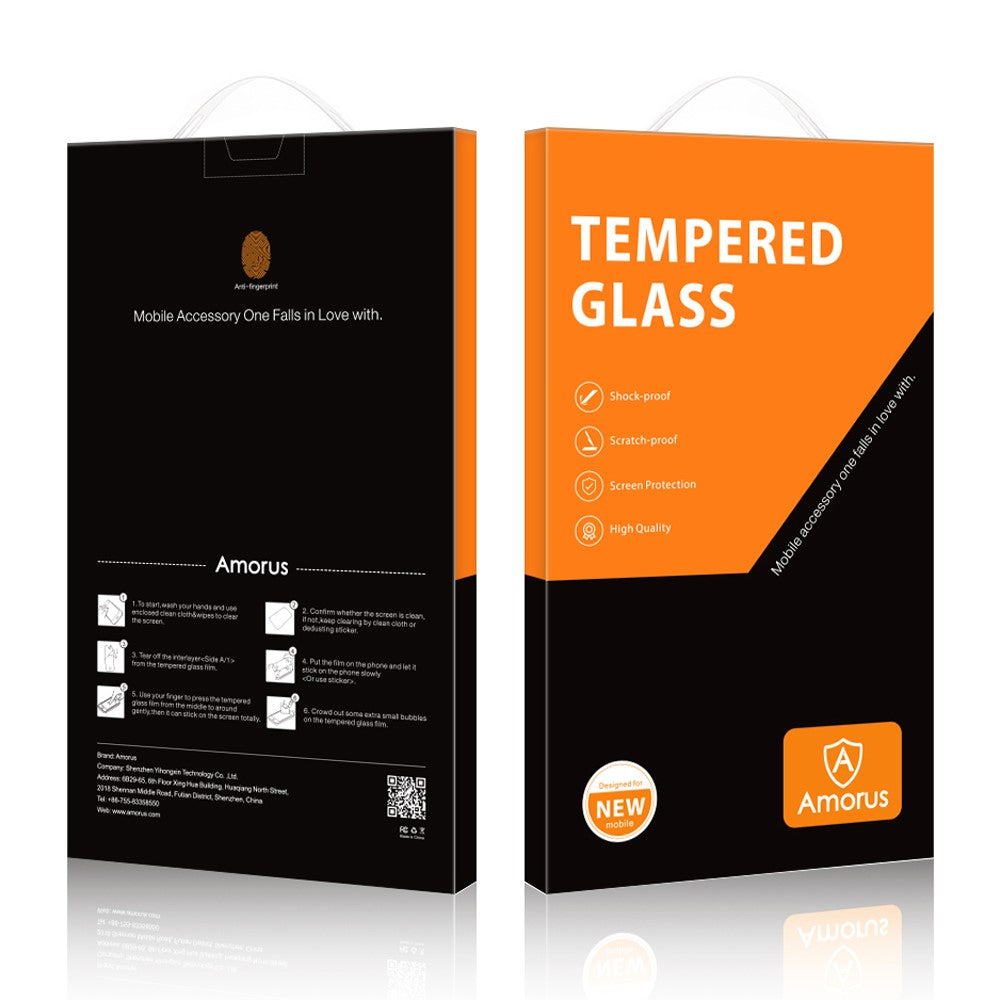
When a protector does crack, resist picking at loose shards with your fingers. The anti-shatter film usually lets you lift the whole sheet off in one motion. A bubble-free installation guide is worth a look before you fit a replacement, since a clean first install is the single biggest factor in how long the next one lasts.
What should you look for to prevent premature shattering?
Buying decisions matter more than most people assume, particularly around edges.
- Look for protectors with rounded or polished edges rather than a sharp, raw cut, since edge finishing before tempering is what determines how well the glass resists chipping later, as explained on Zaščitna stekla - Mobilni dodatki.
- Favour products that explicitly mention anti-shatter film backing, which affects both safety and how cleanly a broken protector comes off.
- Check the fit is device-specific rather than a generic size, since gaps or overhang around the edges create weak points.
- Decide on thickness deliberately: a slightly thicker glass gives more impact absorption at the cost of a marginally less responsive feel, while very thin glass feels near-invisible but has less margin against sharp knocks.
A flexible film alternative can make sense for a device with heavily curved edges where rigid glass struggles to sit flat, though it trades some impact absorption for better coverage. Whichever you choose, a quick edge check every few weeks catches chips before they spread. A buying guide to matching hardness and fit walks through the trade-offs by device type.
When should you replace a cracked protector, and is the screen underneath safe?
Replace the protector immediately once any of these show up.
- A visible crack line, even a hairline one, since it will spread with normal handling.
- Reduced touch responsiveness or dead zones under the glass.
- A lifted or peeling edge that lets in dust or moisture.
To check the display itself, angle the phone under bright light and look across the surface for scratches or debris. Run a finger test across common gestures to confirm touch response feels normal, and check for stuck pixels or discolouration against a plain white background. Peeling the broken glass carefully by its anti-shatter backing, rather than replacing the phone screen, is nearly always the cheaper and faster fix.
What we look for when we stock protectors
Dian, who writes on protective accessories for SmartProtectors, sources stock with three things in mind: proper multi-stage edge polishing done before tempering (since grinding glass after it’s tempered removes the compressive layer that gives it strength), genuine anti-shatter adhesive backing, and installation kits that make dust-free fitting realistic for someone doing it at home rather than in a repair shop. The AMORUS HD range for the newest iPhone models is a good example of stock built around those priorities rather than price alone.
— Dian
Get the right fit before your next drop
If you’ve just found a chip on a raw-cut edge or a bubble that won’t sit flat, the fastest fix is switching to a protector built with proper edge finishing and anti-shatter backing from the start, rather than gambling on another generic sheet. Some protectors are device-specific fits to avoid stretching a slightly-wrong size across your screen and creating the overhang that starts most cracks.
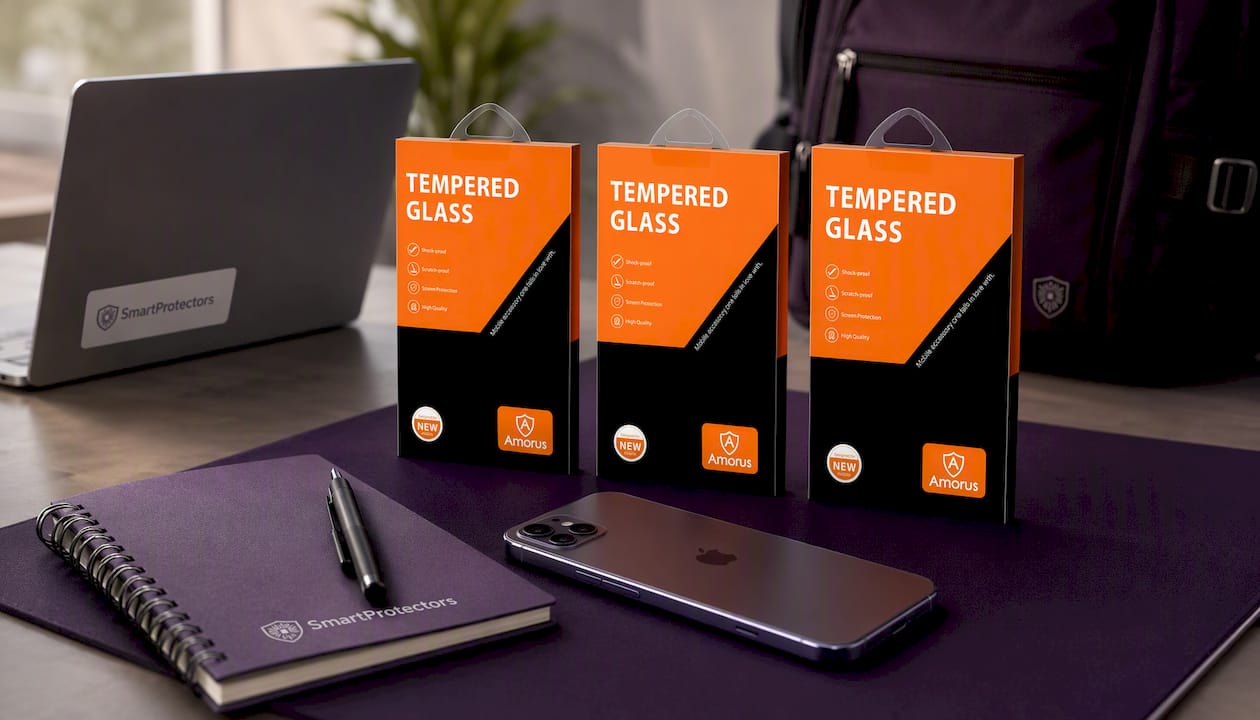
For the newest iPhone models, that means the AMORUS HD screen protector for iPhone 17, the AMORUS HD screen protector for iPhone Air, and the AMORUS HD protector for iPhone 17 Pro Max, each cut to the exact camera and edge profile of that model. If your device isn’t listed in some catalogues, you may submit a request for sourcing. Browse current tempered glass protector picks and get the next one fitted properly the first time.
Sources
- Why Do Screen Protectors Crack So Easily? – BGR
- How tempered glass protects your display: the science of high-impact safety – TechBullion