

If you can’t find a phone case for your device, the fix is almost always the same: confirm your exact model, then go straight to specialist sellers or submit a special-order request rather than gambling on generic listings. Most “unavailable” cases aren’t actually unavailable, they’re just being searched for under the wrong model name.
While you sort that out, a few stop-gaps buy you time:
- Universal clamp or stretch-fit sleeve — works for basic drop protection, but camera cut-outs and button access are hit-or-miss.
- Temporary silicone bumper — cheap and easy to find, though it rarely covers corners properly.
- A soft pouch or sleeve — decent scratch protection, no drop protection at all.
Set your expectations now: wireless charging and camera clearance are the two things universal options struggle with most, so treat them as short-term cover, not a permanent answer.
Key Takeaways
Most “unavailable” phone cases are actually mislabelled searches: identifying the exact model string resolves the majority of fit failures before you even start shopping.
| Point | Details |
|---|---|
| Confirm your model first | Check Settings → About phone and the device’s underside before searching anywhere else. |
| Search in the right order | Try manufacturer lists and specialist retailers before relying on marketplace filters. |
| Verify fit before buying | Match measurements, camera bump height, and wireless charging notes against the listing. |
| Use universal options sparingly | Clamps and sleeves work as short-term cover, not a substitute for a precise fit. |
| Request a special order when needed | SmartProtectors sources or adds hard-to-find models when photos and measurements are supplied. |
Table of Contents
- How to identify your exact phone or tablet model
- Where should you look for a hard-to-find case?
- How do you check a case actually fits before buying?
- What are your options when no model-specific case exists?
- How do you order a custom or special-order case?
- Get the case you couldn’t find elsewhere
- Sources
How to identify your exact phone or tablet model
Ordering the wrong sub-model is the single most common reason a case “doesn’t exist.” Samsung’s own community forum is full of threads where buyers ordered for an S22 when they actually owned an S22+, and the case simply didn’t fit. Chassis dimensions, button placement and camera housings can all shift between variants that look identical in a product photo.
Here’s how to pin your model down properly:
- Go to Settings → About phone (or About tablet) and copy the exact model or product string shown there.
- Check the SIM tray, the original box, or the underside of the device for a printed model number.
- Measure the device corner to corner, note the camera bump’s width and height, and record where every port and button sits.
- Photograph the front, back and side profile, and keep these alongside your measurements.
- Save all of this in one place, you’ll need it whether you’re searching listings or requesting a special order.
SmartProtectors’ guide on identifying your phone model walks through this in more detail if your device has multiple regional or carrier variants, which is where most confusion starts.
Where should you look for a hard-to-find case?
Once you know exactly what device you’re holding, search in this order rather than scattering effort across every marketplace at once.
- Start with the manufacturer’s own accessory list. Most phone and tablet makers publish an official or “made for” accessory directory, and it’s the fastest way to confirm a case exists at all.
- Search specialist accessory retailers using your exact model string, not the phone’s marketing name. Specialist sellers often have filter fields or request forms built specifically for spotting gaps in their own catalogue, which is exactly the situation you’re in.
- Use large marketplaces carefully. Filter listings by your precise model number and ask the seller for a real photo of the case on that device before you buy. Generic “fits most 6.1 inch phones” listings are the biggest source of buyer’s regret, size ranges like that ignore camera bumps and button positions entirely.
- Try second-hand or refurbished accessory sellers only once new stock is genuinely exhausted. They can be useful for discontinued models, but fit consistency varies more than with current retail stock.
If none of that turns anything up, that’s your signal to stop searching and start requesting. Asking a specialist retailer to source or add your model often gets you a correct-fit case faster than another round of blind marketplace orders.
How do you check a case actually fits before buying?
A case that looks right in a thumbnail can still miss badly in your hand. Run through this before you commit to a purchase:
- Compare your own measurements against the seller’s dimension table, not just the product photo.
- Check that the camera cut-out lines up with your camera bump, and that the case wall is taller than the bump itself, otherwise your lens sits exposed or the phone rocks on a flat surface.
- Look for the phrase “wireless charging compatible” in the listing. Case thickness and any metal trim or credit-card slot can block a Qi signal, so this detail matters more than most buyers assume. SmartProtectors’ wireless charging compatibility guide covers exactly which materials cause problems.
- If the listing doesn’t answer your questions, message the seller and ask for a close-up photo of the case fitted to your exact model.
Pro Tip: Ask the seller to photograph the case with the phone’s camera facing up, not down. Camera bump clearance is the detail most product photos conveniently hide.
Fit failures caused by sub-model confusion are common enough that Samsung’s own community support forum has entire threads dedicated to buyers who ordered the wrong variant. That single verification step, checking Settings before you buy, is the cheapest insurance available.
What are your options when no model-specific case exists?
Sometimes the honest answer is: nobody makes one yet. That doesn’t leave you unprotected, it just means picking the right stopgap.
- Universal phone clamps hold the device with adjustable arms rather than a moulded fit. They protect against drops reasonably well but sit awkwardly and rarely align with your camera or buttons precisely.
- Stretch-fit sleeves are cheap and fast to find, but they offer no corner protection and can slip during use.
- Universal case categories (labelled L/XL and similar) cover a size range rather than your exact model, so expect looser button access and, in many cases, weaker wireless charging performance because the added bulk interferes with coil alignment.
- A sleeve plus a screen protector is a sensible combination while you wait, it protects the two surfaces most likely to get damaged without pretending to be a perfect case.
Accept a universal option when you need protection immediately and can live with a looser fit. Wait for a proper custom order when wireless charging, camera work, or day-to-day drop protection genuinely matter, universal solutions rarely match a model-specific case on any of those fronts.
How do you order a custom or special-order case?
A special order moves fastest when the seller doesn’t have to chase you for details. Include everything up front:
- Your device’s full model or product string, copied exactly from Settings.
- Measured dimensions: corner-to-corner, camera bump height and width, port and button positions.
- Three clear photos: front, back, and a side profile showing every port.
- Your preferred material or finish, and whether wireless charging support is required.
Turnaround and cost vary by manufacturer and order volume, small-batch or one-off fits typically take longer than stock items because moulds or cut templates need adjusting first. Ask whether the seller can share a production photo or sample image before the case ships, it’s a simple way to catch a misaligned cut-out before it reaches your door.
Pro Tip: Request the production photo with the phone’s SIM tray or charging port visible. It’s the fastest way to confirm the cut-outs match without waiting for delivery.
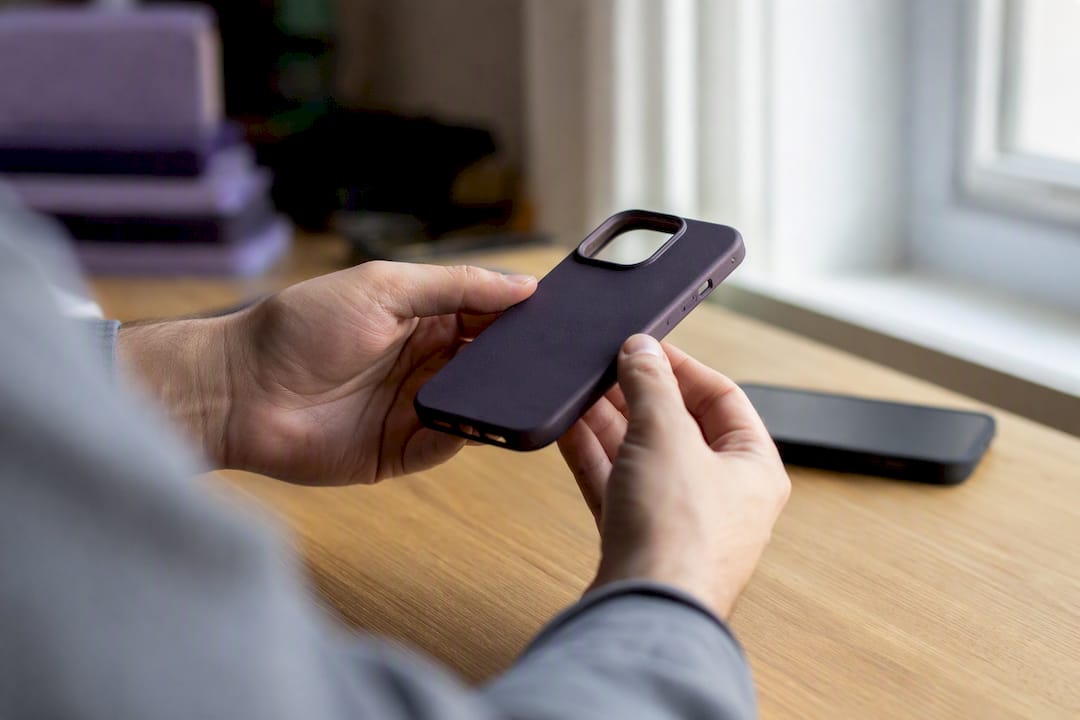
SmartProtectors runs its special-order process this way deliberately: submit your model details and photos through the request form, and the team sources or adds the product to the catalogue rather than leaving you with a generic substitute.

A note on speed versus precision
Some fits genuinely don’t tolerate a workaround. Wireless charging, camera lens work, and rugged drop protection all depend on precise dimensions, a millimetre of extra case thickness can block a Qi coil or throw off a lens alignment. In those cases, a universal clamp is a stalling tactic, not a solution.
Where I’d push back on the usual advice: don’t treat measuring your device as a one-off chore before a single purchase. Save those dimensions and photos permanently. You’ll need them again the next time you replace a case, buy a screen protector, or help someone else track down a fit for the same model. That five-minute habit is what actually prevents the repeat frustration most people blame on “hard to find” devices. If you’ve exhausted retail listings, SmartProtectors’ request service exists specifically for this gap.
— Dian
Get the case you couldn’t find elsewhere
SmartProtectors exists for exactly the situation you’re in: a device that specialist retailers haven’t caught up with yet. Smartprotectors runs a special-order sourcing service where you submit your model details and the team locates or builds a fitting product for its catalogue, rather than leaving you to settle for a universal clamp.
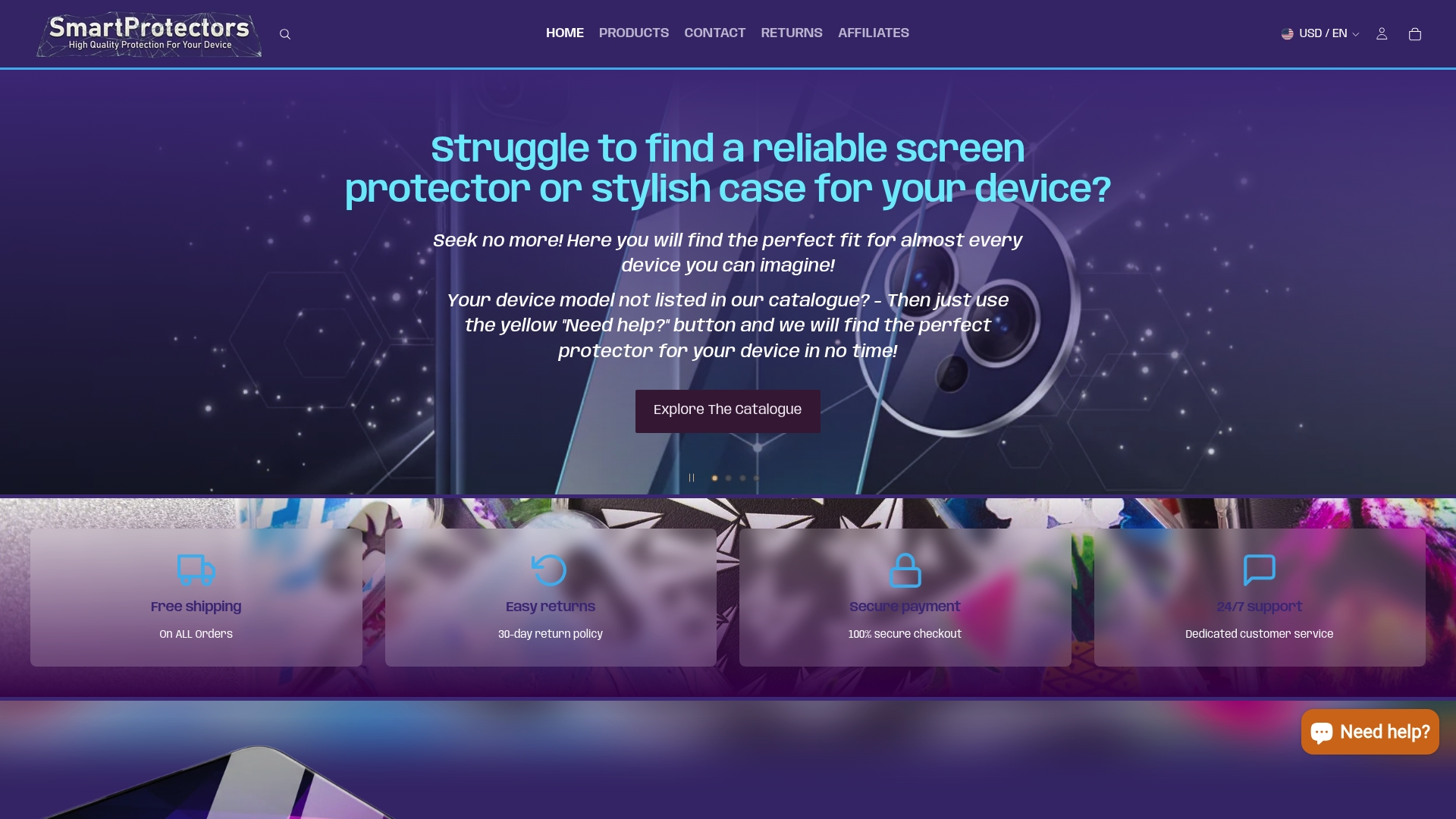
Attach the same information covered above: your exact model string, measured dimensions, and photos showing the ports and camera bump. Two catalogue examples show the range on offer, the lychee patterned edge-coated case for a textured, drop-resistant grip, and the PC TPU clear case with airbag corners, built for shock absorption without hiding your phone’s design.
Browse the current catalogue for your device first. If your exact model isn’t listed, submit a request through SmartProtectors’ site with your measurements and photos attached, and the team will work on sourcing or adding the right fit rather than leaving you with a universal substitute.